Watch and learn
Linux, made a little easier.
Browse beginner-friendly walkthroughs, distro tours, and practical guides from the Matching Brackets channel.
Latest video
I Just Installed ZorinOS. Now What...?
So, you've just installed ZorinOS... now what? In this video, we pick up right where the installation ends and take a look at some of the things you may want to do when you're starting with a fresh ZorinOS installation. We'll look at the welcome screen, install updates, check that our hardware is working, explore software installation, set up some useful applications, take a look at settings and customization, and talk about some of the things that may be different if you're coming from Windows.
Watch on YouTubeFrom the channel
More videos
Ready to remove Windows and give ZorinOS a try? In this video, I'll walk you through the complete process of replacing Windows with ZorinOS, step by step. We'll start by backing up important files, create the necessary installation media, install ZorinOS, and get the computer ready to use with a fresh Linux installation.
How To Remove Windows and Install ZorinOS | A Step-By-Step Guide For Beginners
What happens when you try to dual-boot ZorinOS and Windows 11? In this video, I'm going to find out. Rather than following a script or showing only the parts where everything goes according to plan, I'm going to document the process from beginning to end. I'll start in Windows 11, prepare the computer, boot from the ZorinOS USB, and see what happens when I try to install ZorinOS alongside Windows.
Dual-Booting Windows 11 + ZorinOS — Let's See What Happens | LIVE
This is Part 3 — and the final video — in my journey from Debian to Arch Linux. When I first switched to Arch, I wanted to create a desktop that had some of the look and feel of Omarchy. Unfortunately, I ended up making so many changes to GNOME that I eventually got lost in my own customizations! So I started over with a fresh Arch installation and vanilla GNOME.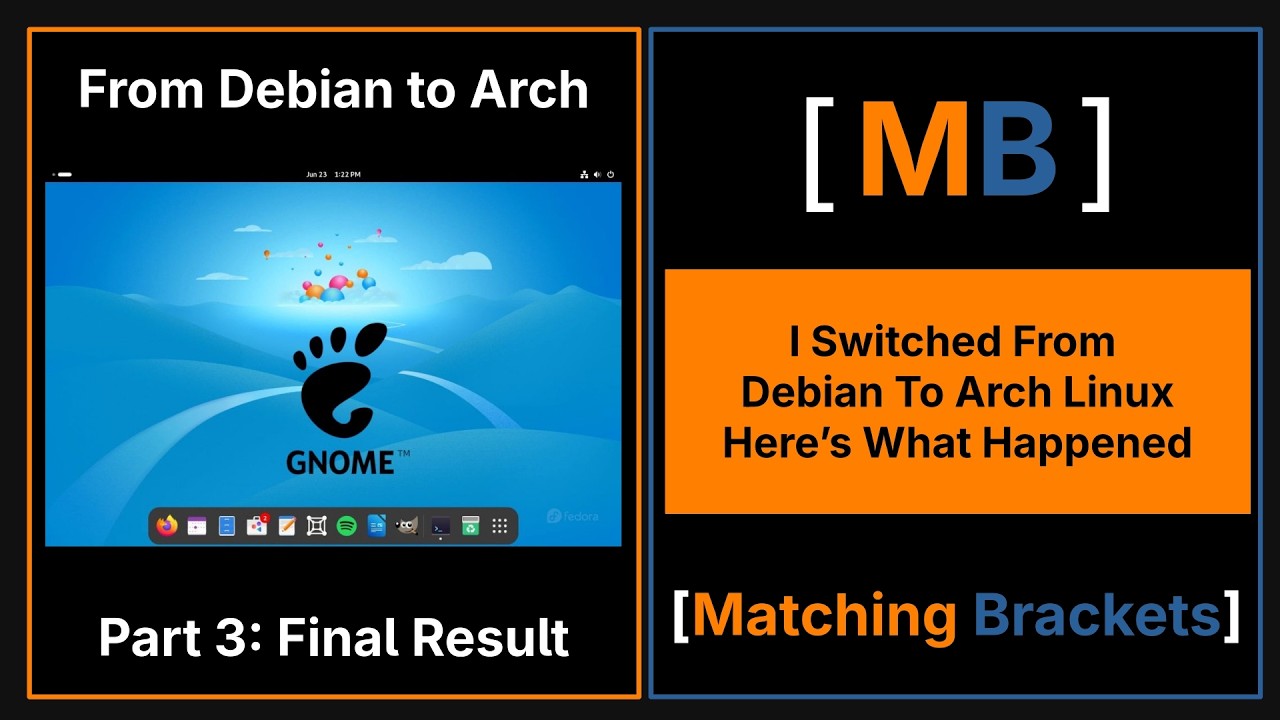
I Switched From Debian to Arch - Here's What Happened | Part 3: The Final Result
What apps come with ZorinOS when you first install it? In this video, we take a look at the collection of applications that come with ZorinOS right out of the box. From everyday tools like the Calculator, Calendar, Weather, and Text Editor to LibreOffice, Brave, Evolution, Rhythmbox, Remmina, and more, we'll take a tour of what you can expect to have available from the moment you start using ZorinOS.
Apps That Come With ZorinOS
Thinking about trying Zorin OS, or have you just installed it and aren't quite sure where everything is? In this video, I'll give you a tour of Zorin OS and show you around the desktop, the Zorin Menu, Zorin Appearance, window tiling, workspaces, the file manager, Settings, and the Software store. Zorin OS is designed to make Linux approachable, especially for people coming from Windows or macOS. But there's more to it than simply looking familiar, and I'll show you some of the little features and customization options that make Zorin OS enjoyable to use.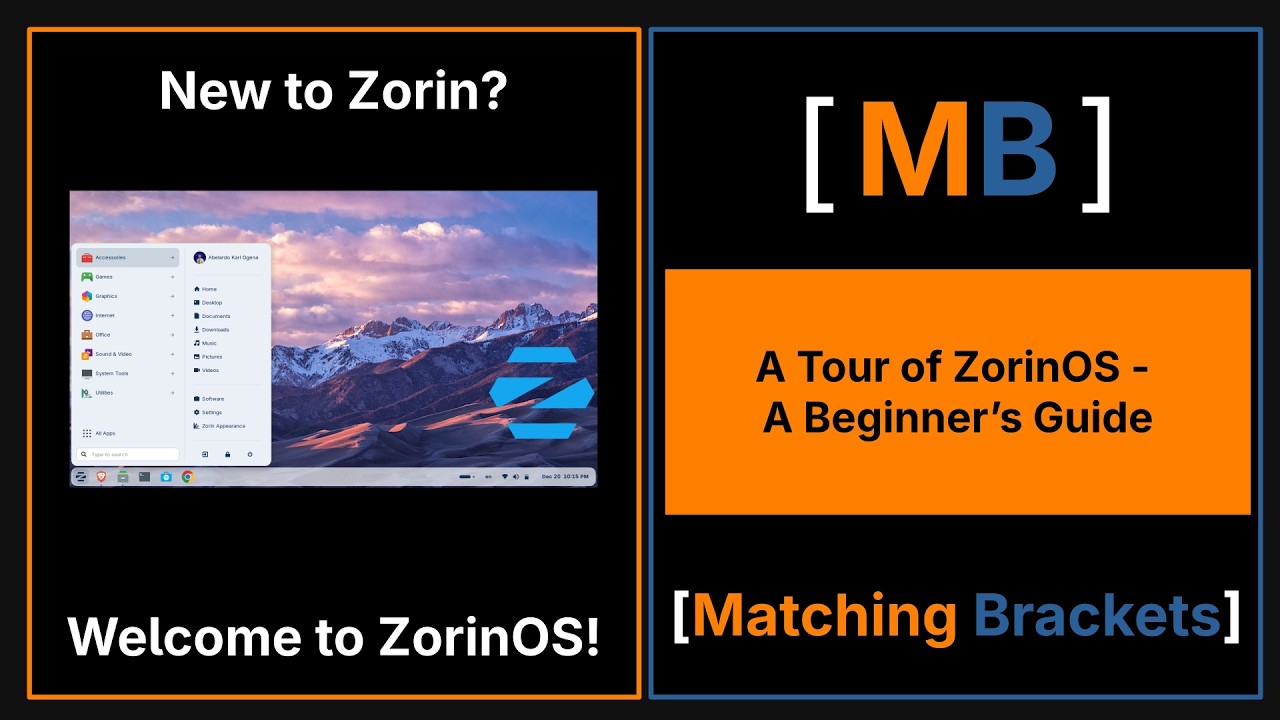
A Tour of Zorin OS | A Beginner's Guide
Now that Arch is installed and working, it's time to make it feel like my desktop. In this video, I experiment with customizing GNOME, installing extensions, changing the terminal, and creating keyboard shortcuts inspired by Omarchy. But I also discover something I didn't expect: customization can become a project all by itself.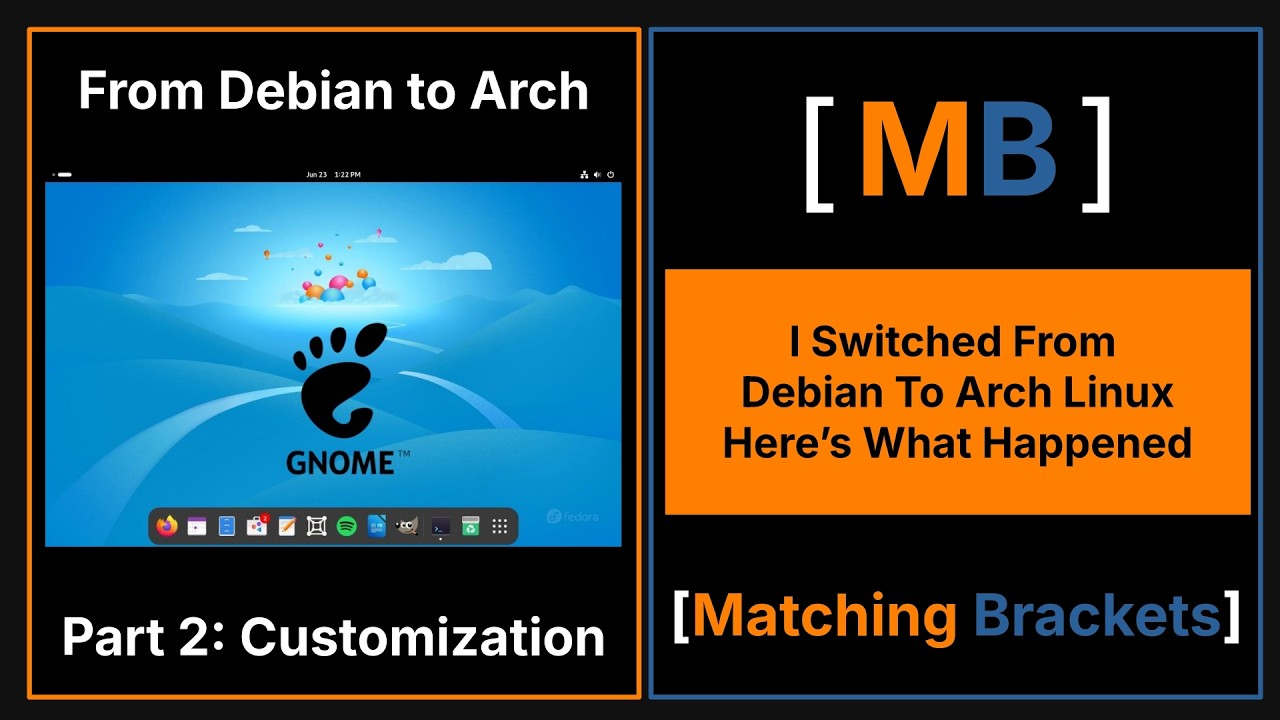
I Switch From Debian to Arch. Here's What Happened. Part 2 Customization
I switched from Debian to Arch Linux—and in this video, I'm taking you along for the ride. I've been using Debian and other beginner-friendly Linux distributions for a while, but I wanted to see what Arch Linux was actually like as a daily desktop operating system. In this video, I install Arch Linux using the official archinstall guided installer, connect to Wi-Fi from the terminal, choose my desktop environment, and get the system up and running.
I Switch From Debian to Arch. Here's What Happened Part 1: Installation.
Can a 13-year-old MacBook Pro still be useful in 2026? I don't know. Let's pop a Linux distro on it, and find out! In this video, I'm taking my 2013 MacBook Pro and replacing macOS with Linux to find out if I can give this old Mac a second life. My audience voted for ZorinOS as the next distro I should explore, so that's what we're installing. But rather than simply telling you whether ZorinOS is good or bad. we're going to see what happens on this particular piece of hardware.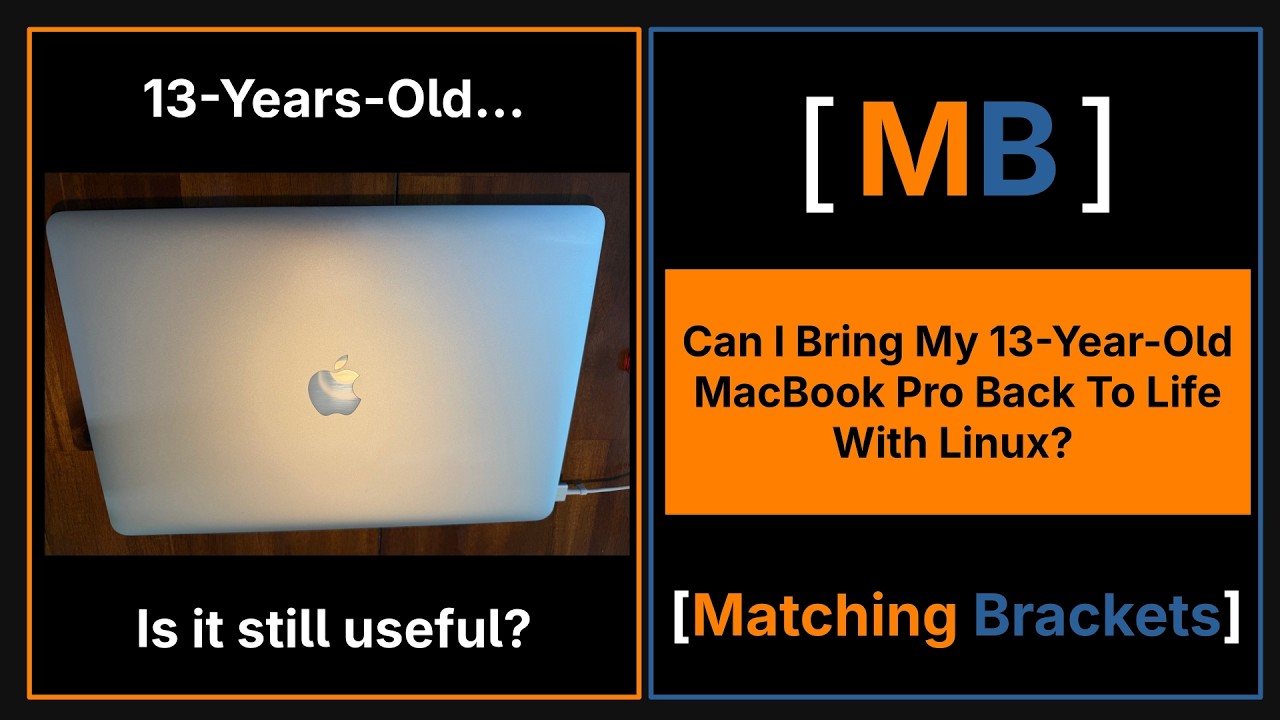
Can I Bring My 13-year-old MacBook Back To Life with Linux?
Have you heard of Linux Mint, but wondered what it would actually be like to use? In this episode of BEHIND THE DISTRO, we take a closer look at Linux Mint and what makes it such a popular choice for people making the switch to Linux.We'll look at the Cinnamon desktop, the applications that come with Mint, and so much more...
Behind The Distro - Linux Mint
Want to try Linux before installing it on your computer? In this video, I'll show you how to create a Linux Live USB Flash Drive and use it to test Linux on your computer before making any changes to your hard drive.
Create a Linux Live Environment USB Flash Drive
Want to carry multiple operating systems on a single USB drive? In this beginner-friendly tutorial, I'll show you how to install Ventoy on Linux and create a bootable USB that can hold multiple ISO files at the same time.
A Beginner's Guide to Ventoy | Create One USB Drive for Multiple Operating Systems
One of the biggest questions people ask is, 'Can Linux replace Windows?' The answer isn't as simple as yes or no—it depends on how you use your computer. We'll take an honest look at what Linux does well, where it still has compromises, and the questions you should ask yourself before making the switch.
Can Linux Replace Windows? The Truth About Switching
In this video, I'll show you how to create Windows installation media using Microsoft's Media Creation Tool. It's all well and good to talk about Linux, but what happens when things go wrong? What happens if there's some piece of hardware preventing you to switch?
How to Create Windows Installation Media (Step-by-Step)
Introducing matchingbrackets.com. The New Website for Matching Brackets. In this video, I'll take you on a tour of the new site, show you what's already available, explain why I built it the way I did, and share some of my plans for the future.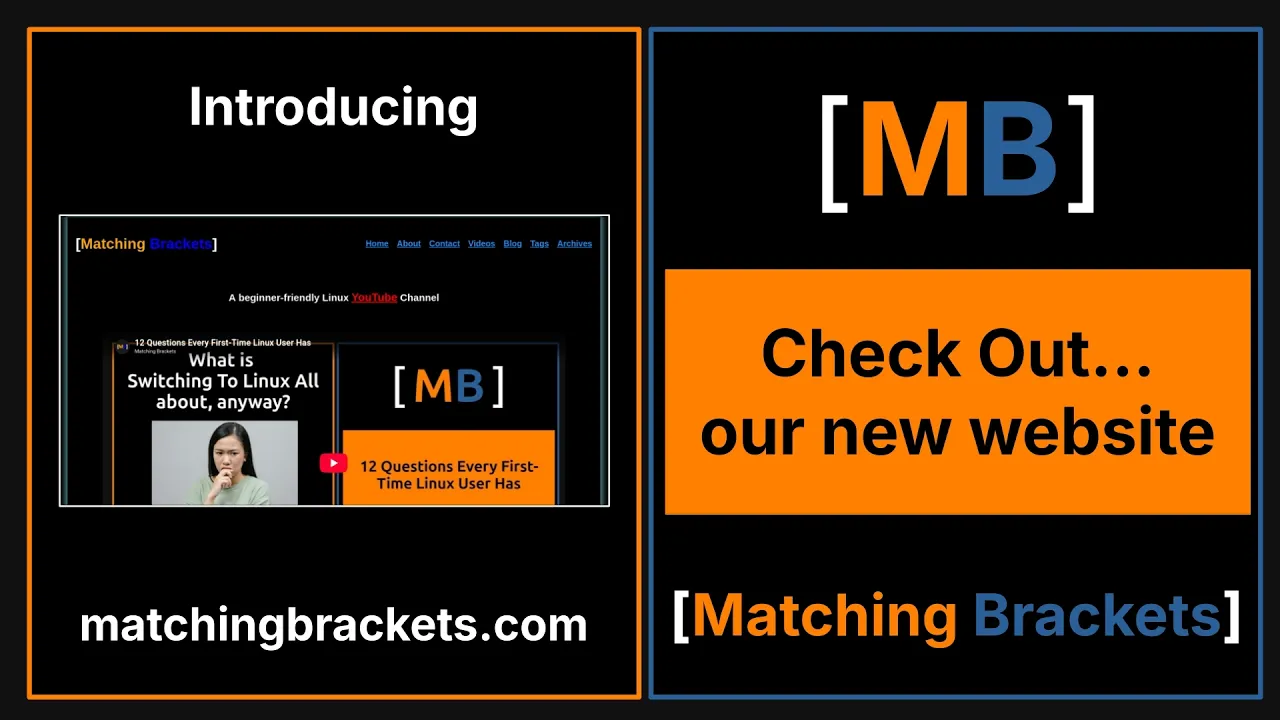
Introducing matchingbrackets.com - The New Website For Matching Brackets
Welcome to the very first episode of Behind the Distro, a new series on Matching Brackets where we explore the people, projects, and ideas behind the Linux distributions we use every day. Before we dive into Linux Mint, Debian, Fedora, Arch Linux, and many other distributions, we need to answer one important question: What is Free and Open Source Software (FOSS)?
Behind The Distro: Free and Open Source Software
If you've ever tried Linux, gotten frustrated, and gone back to Windows... this video is for you. One of the biggest misconceptions about Linux is that it's easy. While that's certainly true for many experienced Linux users, it can feel very different if you're installing Linux for the first time or trying to learn unfamiliar tools and terminology..
Why People Give Up on Linux, and Why That's Okay
Thinking about trying Linux but not ready to install it on your computer? In this video, we'll take a look at DistroSea, a website that lets you test dozens of Linux distributions directly in your web browser. No downloads, no USB drives, and no installation required.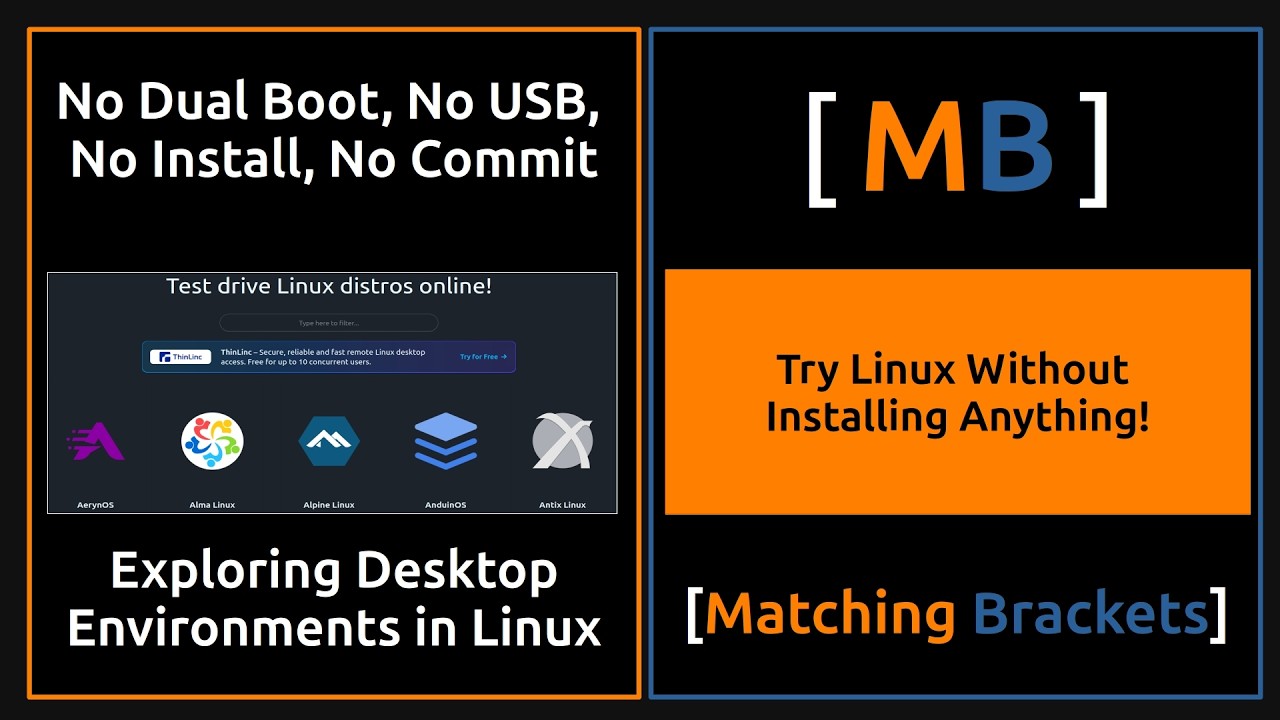
Try Linux Without Installing Anything | DistroSea.com Review for Beginners
After years of distro hopping, I finally realized something: I always seem to come back to Linux Mint. In this video, I share 15 Cinnamon features I can't live without and explain why Linux Mint has become my preferred Linux workstation.
15 Cinnamon Features I Can't Live Without | Why I Keep Coming Back to Linux Mint
In this video, I'll show you how to use Distrochooser, a free website that helps match Linux distributions to your needs by asking a series of questions about your experience level, preferences, and computer usage.
Overwhelmed by Linux Distros? Start Here!
In this video, I share the YouTube creators who helped me learn Linux. When I first switched to Linux, I had no idea what I was doing. Like many new Linux users, I relied on YouTube tutorials, Linux news channels, distro reviews, and beginner-friendly guides to help me understand the Linux desktop.
These YouTube Creators Helped Me Learn Linux
In this video, I finally take a look at Linux Mint MATE and see how it compares to the other Linux Mint editions I've used over the years.
I Finally Tried Linux Mint MATE | First Impressions & Walkthrough
In this Linux Mint XFCE walkthrough, I take a first look at the XFCE edition of Linux Mint and explore what it's like to use day-to-day. 
I Finally Tried Linux Mint XFCE | First Impressions & Walkthrough
In this video, I answer 12 of the biggest questions first-time Linux users have before making the switch from Windows or macOS to Linux.
12 Questions Every First-Time Linux User Has
This isn't a Linux tutorial, a distro war, or a “Linux vs Windows” debate. Instead, this is a personal discussion about how switching to Linux changed the way I feel about computers, technology, learning, creativity, privacy, old hardware, and curiosity.
Linux Made Computers Feel Fun Again
In this beginner-friendly Linux guide, we break Linux down using the Who, What, Where, When, Why, and How of Linux in simple, plain English without all the confusing technical jargon.
The Who, What, Where, When, Why, & How of Linux (Beginners Start Here)
Whether you're new to Linux, considering switching from Windows, or just curious about Linux customization, this video will help you understand one of the most important parts of the Linux experience.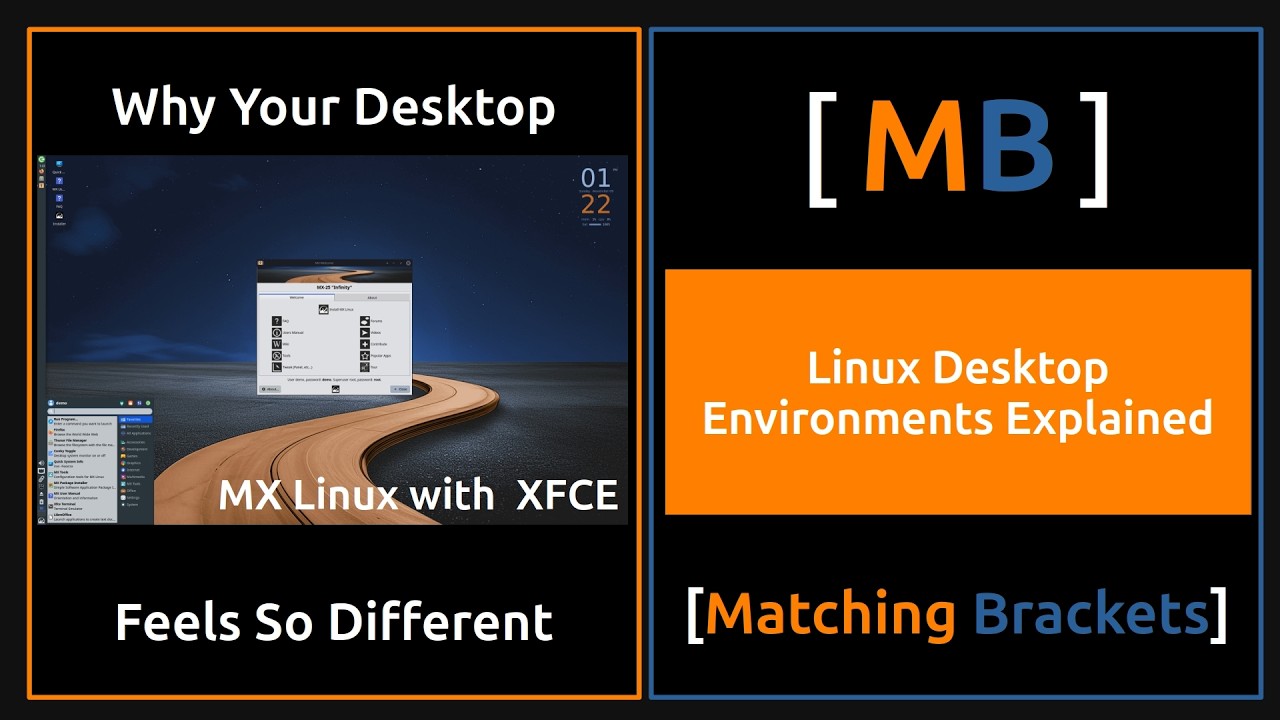
Linux Desktop Environments Explained (Why Your Distro Feels Different)
New to Linux Mint? In this beginner-friendly walkthrough, I'll show you how to explore Linux Mint like a pro using simple tips, built-in tools, and a mindset that helps you learn faster.
How to Explore Linux Mint Like a Pro (Beginner Tips & Walkthrough)
In this video, I build a simple health tracking spreadsheet using LibreOffice Calc.
Build a Simple Health Tracker in LibreOffice (Beginner Tutorial)
In this video, I share my personal experience with data loss, what it felt like to lose important files, and the simple backup system I use now to make sure it never happens again.
I Lost My Files Once — Here's the Backup System I Use Now
In this video, I break down Linux distributions in a simple, beginner-friendly way. We'll answer the most common questions people have when starting out with Linux.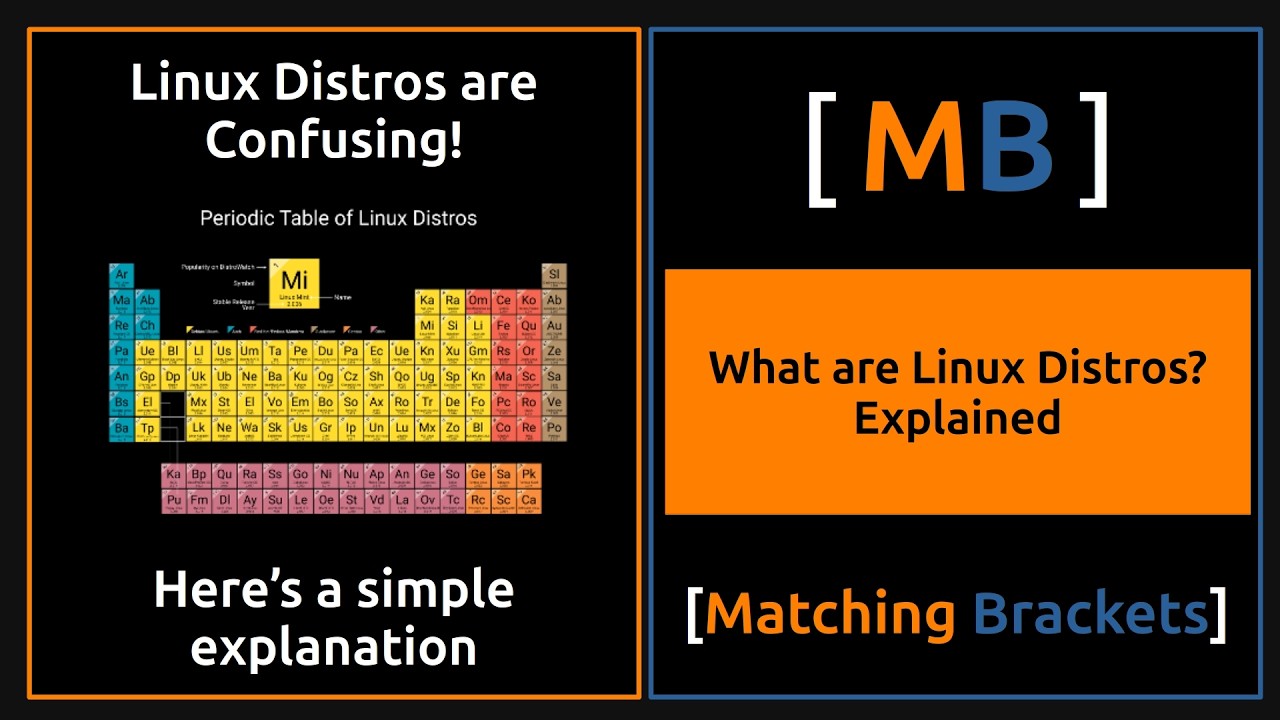
Linux Distros Explained (What They Are & Why They Matter)
If you just installed Linux Mint and you're wondering what apps come with it, this video walks you through everything you get right out of the box.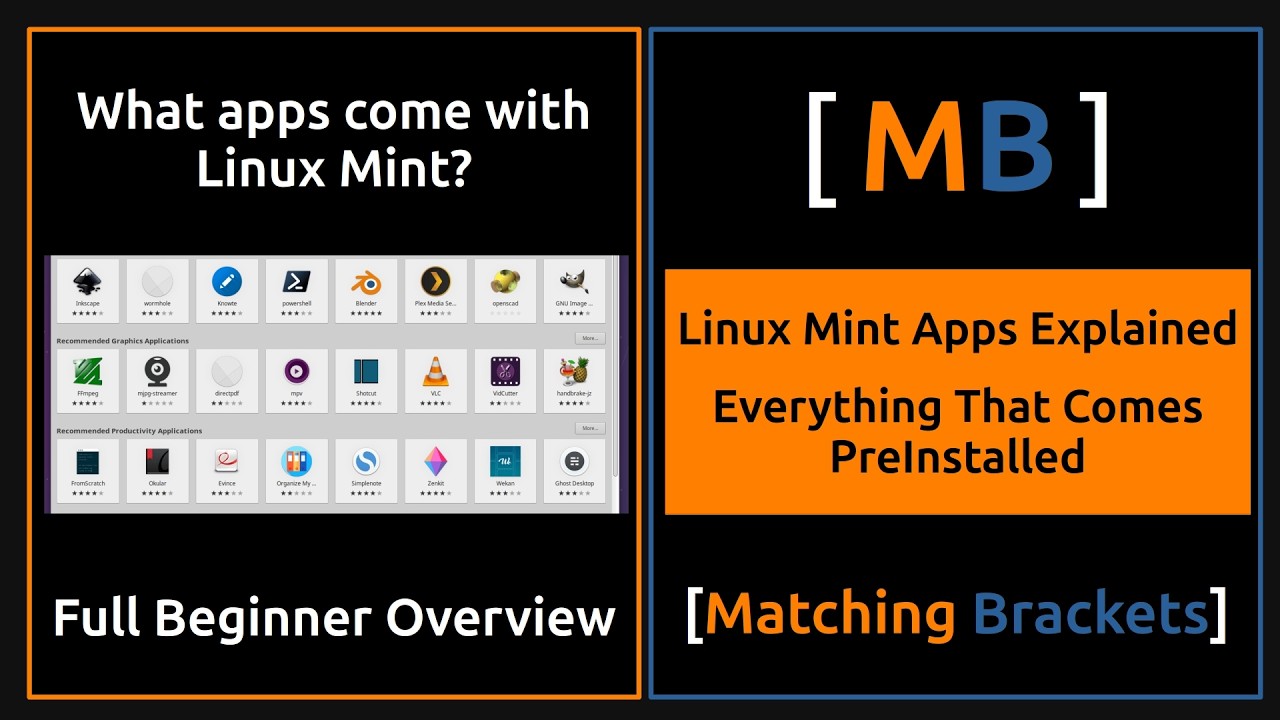
Everything Installed in Linux Mint (Full Beginner Walkthrough)
Just installed Linux Mint and not sure what to do next? In this video, I walk you through exactly what I do after installing Linux Mint—step by step.
I Just Installed Linux Mint - Here's What I Do First
Thinking about switching to Linux? In this step-by-step guide, I'll show you how to delete Windows and install Linux Mint as your only operating system.
Deleting Windows and Installing Linux Mint
This tutorial is designed for people who have never installed Linux before. Nothing is skipped and every step is explained clearly.
How to Dual Boot Linux Mint and Windows | Complete Step-by-Step Beginner Guide
I honestly didn't expect this. We're closing in on 100 subscribers and one of the videos is already approaching 1,000 views — and I just started this channel on New Years' Day.
100 Subscribers Already?! Thank You + What's Next | Behind The Scenes
Thinking about switching to Linux? In this video, I break down 5 real changes you should expect when moving from Windows or macOS to Linux. 
Switching to Linux? 5 Things That Will Surprise You
Is Linux good for gaming in 2026? Can you really replace Windows if you play PC games?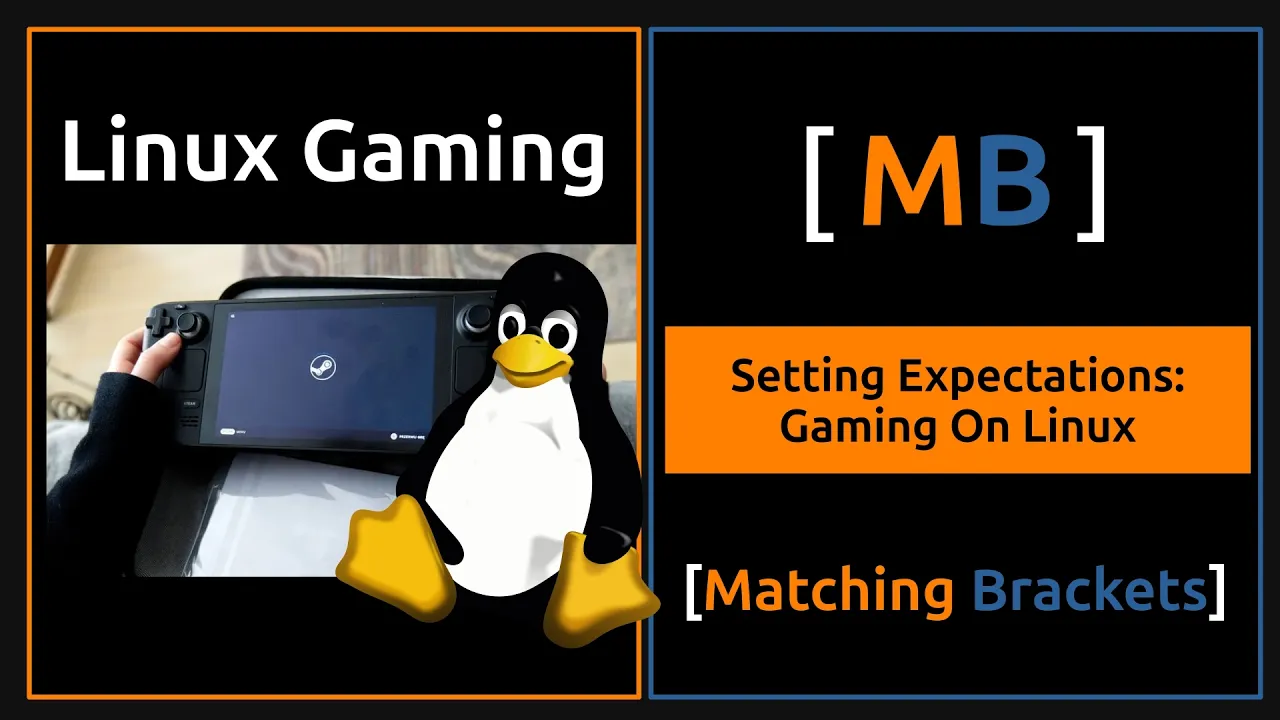
Is Linux Gaming Actually Good Now? (Honest Answer)
Want to fully customize Linux Mint? In this video, I walk through every customization option inside the Linux Mint System Settings panel — step by step.
Linux Mint Customization - A Complete Beginner's Guide
Looking for the best Linux distro for beginners? In this video, I share 15 reasons why Linux Mint is often the easiest and safest place to start.
15 Reasons Linux Mint Is the Best Linux Distro for Beginners
Ever wondered how YouTube videos are made on Linux? In this video, I take you behind the scenes of the Matching Brackets channel and show you my full Linux video creation workflow.
Behind The Scenes: Apps I Use To Make Videos Here on Marching Brackets.
New to Linux and confused about software? In this video, we set clear expectations about software on Linux — before frustration sets in.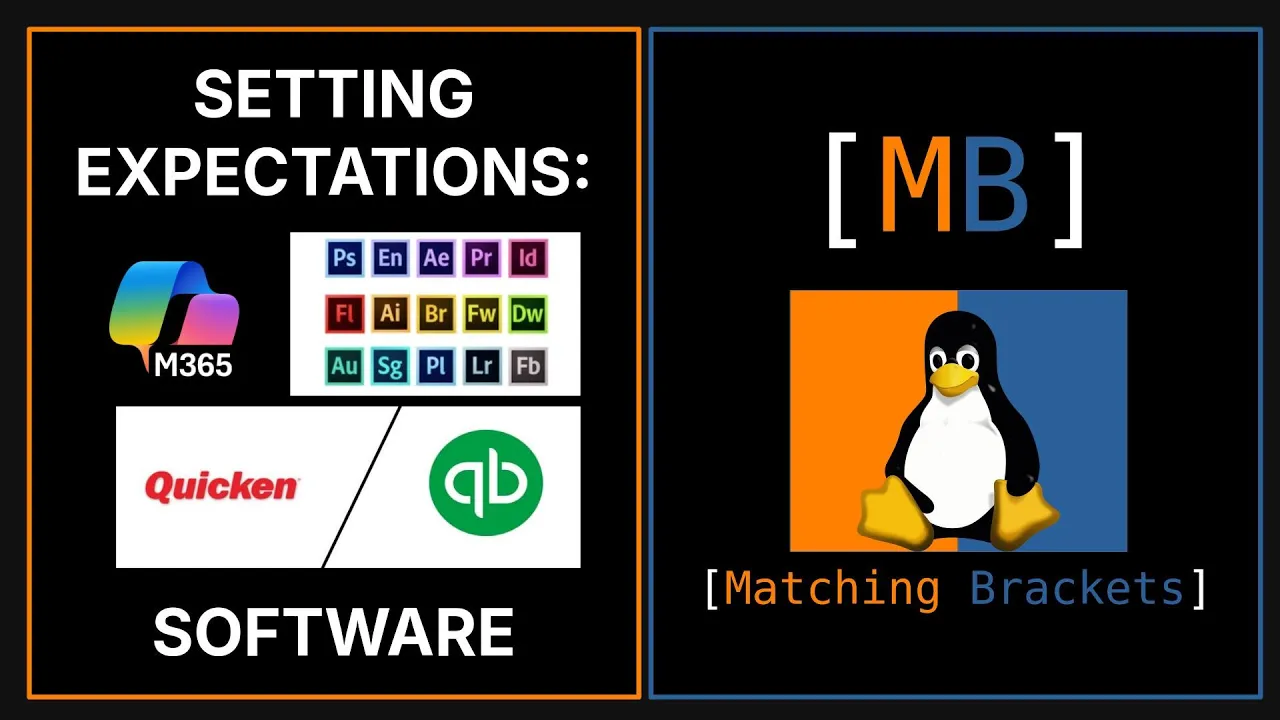
Setting Expectations: Software on Linux
What really happens when you switch to Linux? In this video, I walk through 12 surprising benefits you'll experience after making the move.
12 Surprising Benefits To You When You Make The Switch To Linux
In this video, I talk about how I stumbled upon becoming more productive through Linux, and the steps I took to get there. 
Learning From Linux - A Personal Discovery
What is Linux? In this beginner-friendly video, we start at the very beginning and clearly explain what Linux actually is — and what it isn't.
What is Linux? Let's find out some basics about Linux
Welcome to Matching Brackets — a beginner-friendly technology channel focused on Linux.
Welcome to Matching Brackets — a new technology channel focused on Linux, and more...